See it work
One sentence, from Siri to your dashboard.
Step 1 of 8
Say it
Say "Hey Siri, log with Noted" and wait for the listening sound. There's no app to open and no form to fill in.
Step 2 of 8
Speak normally
Say the purchase the way you'd say it to a friend.
Step 3 of 8
AI reads it
An AI language model works out the amount, category, store and account, even from casual wording.
Step 4 of 8
Code checks it
Code then checks the amount, date and account, and the entry is saved.
Step 5 of 8
Siri confirms
Siri reads back what was saved, so a mistake is easy to catch.
Step 6 of 8
It's on your dashboard
Open your dashboard and the entry is there. If it's already open, it updates by itself.
Step 7 of 8
Ask about it
Ask a question in plain English. Noted AI answers from totals calculated from your own entries.
Step 8 of 8
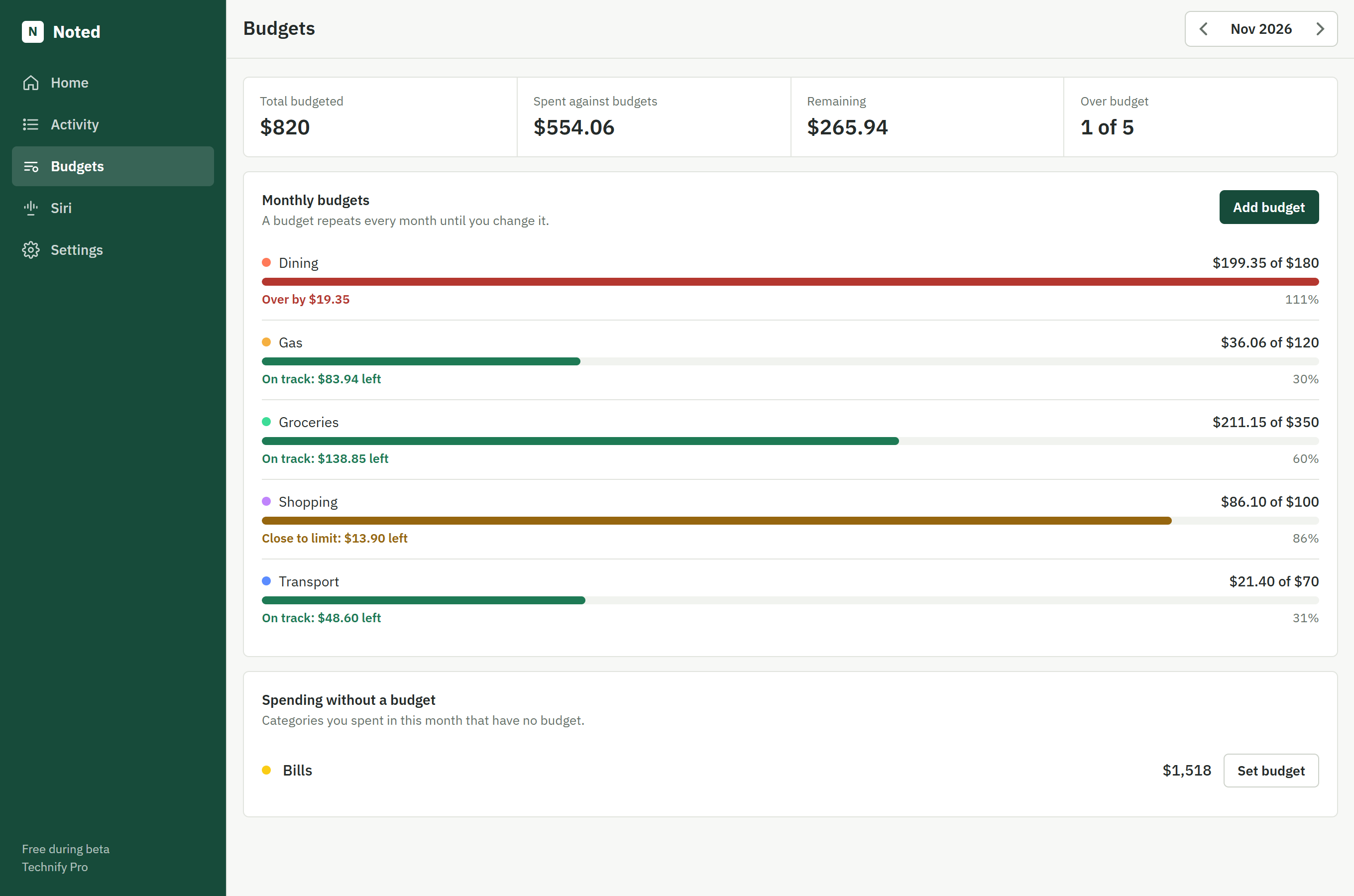
See the bigger picture
Charts and monthly budgets show where your money goes.
Illustration with made-up demo data.